Record a meal on PASTA
25. 11. 12. PM 2:21
Hello, this is the PASTA team!
You can easily record what you’ve eaten throughout the day right in the PASTA app. Let’s take a look at PASTA’s meal logging features and learn how to manage your diet in a healthier way!
Add a Meal - FoodShot
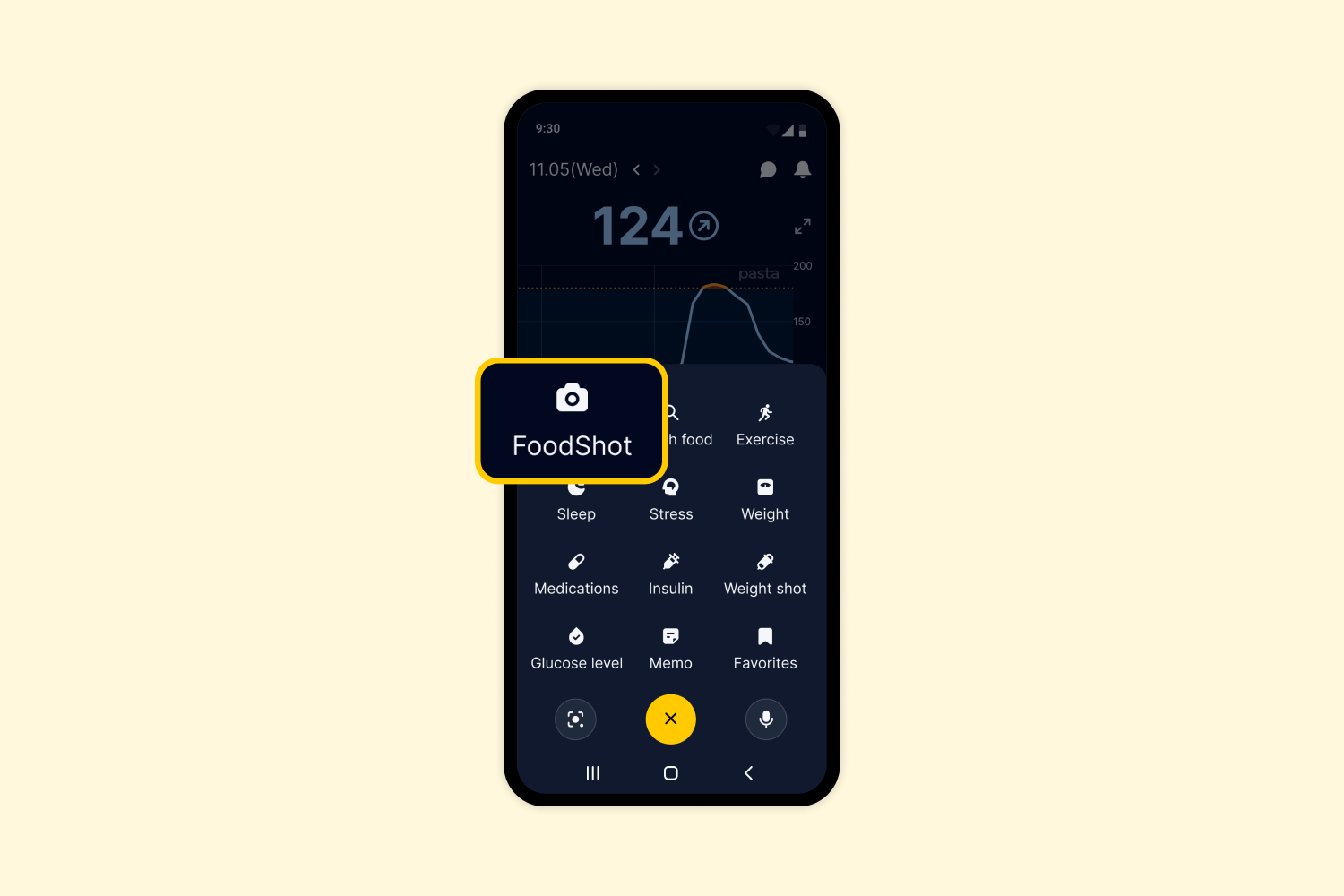
1. Tap the [+] button and select FoodShot.
2. Choose how you’d like to add your meal through FoodShot.
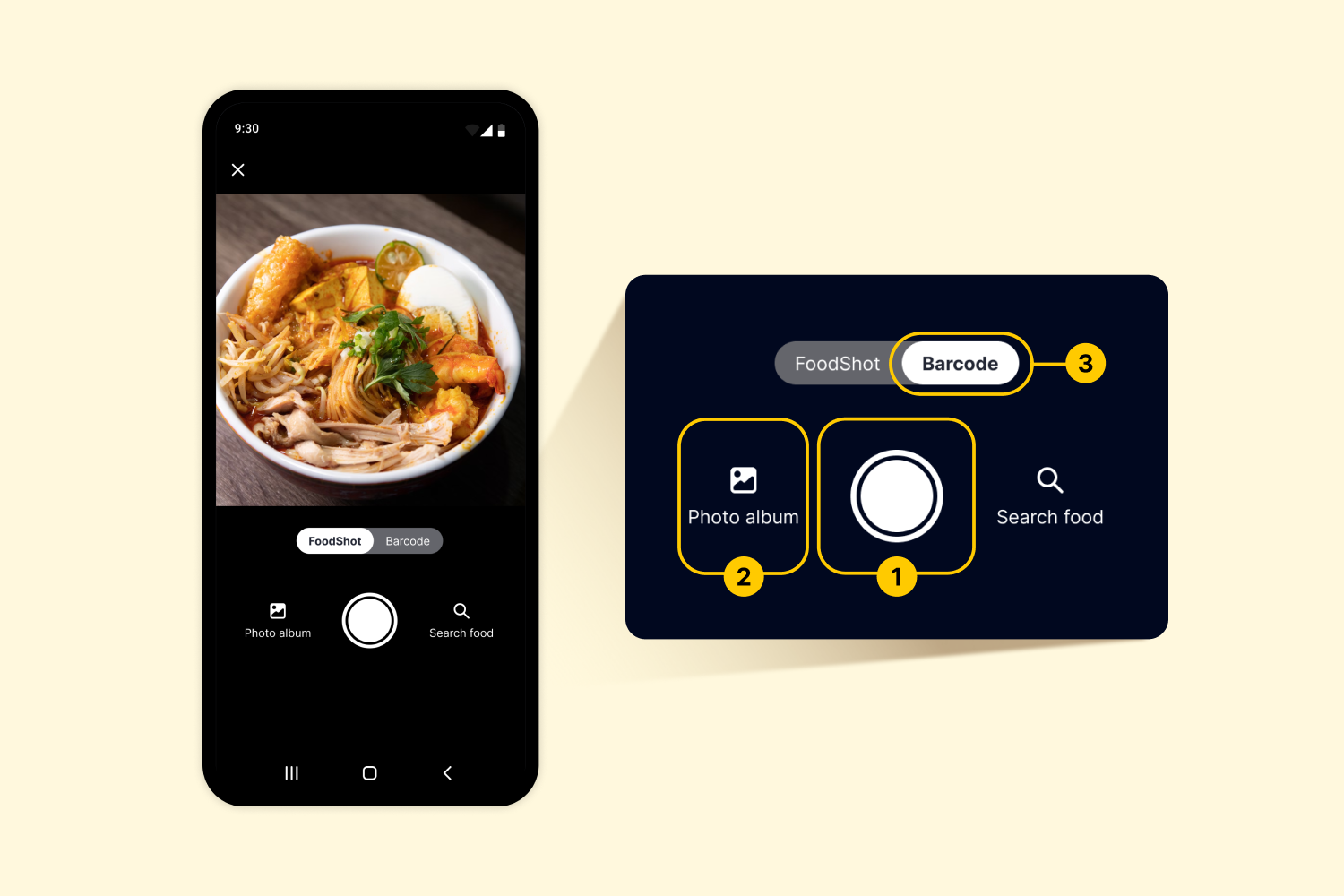
1) Take a photo: Snap a photo of your meal and upload it instantly.
2) Select from your photo album: Choose a photo you’ve already taken.
3) Scan a barcode: Capture the product barcode to automatically load the food information.
* If you want to upload by searching the food instead, tap [Search food] at the bottom right corner.
Add a Meal – Search
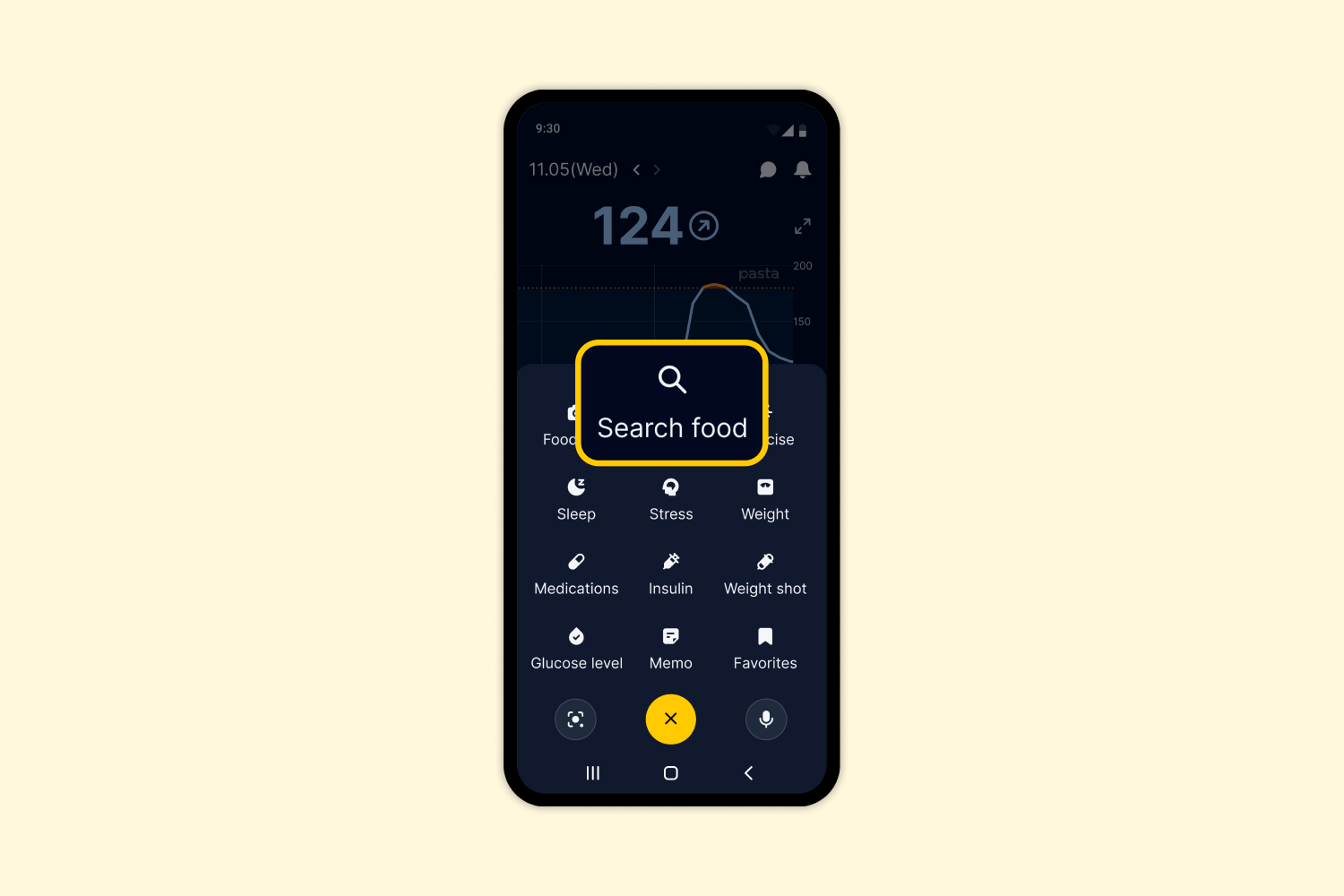
1. Tap the [+] button and select [Search food].
2. Search for the food you want and add it to your meal log.
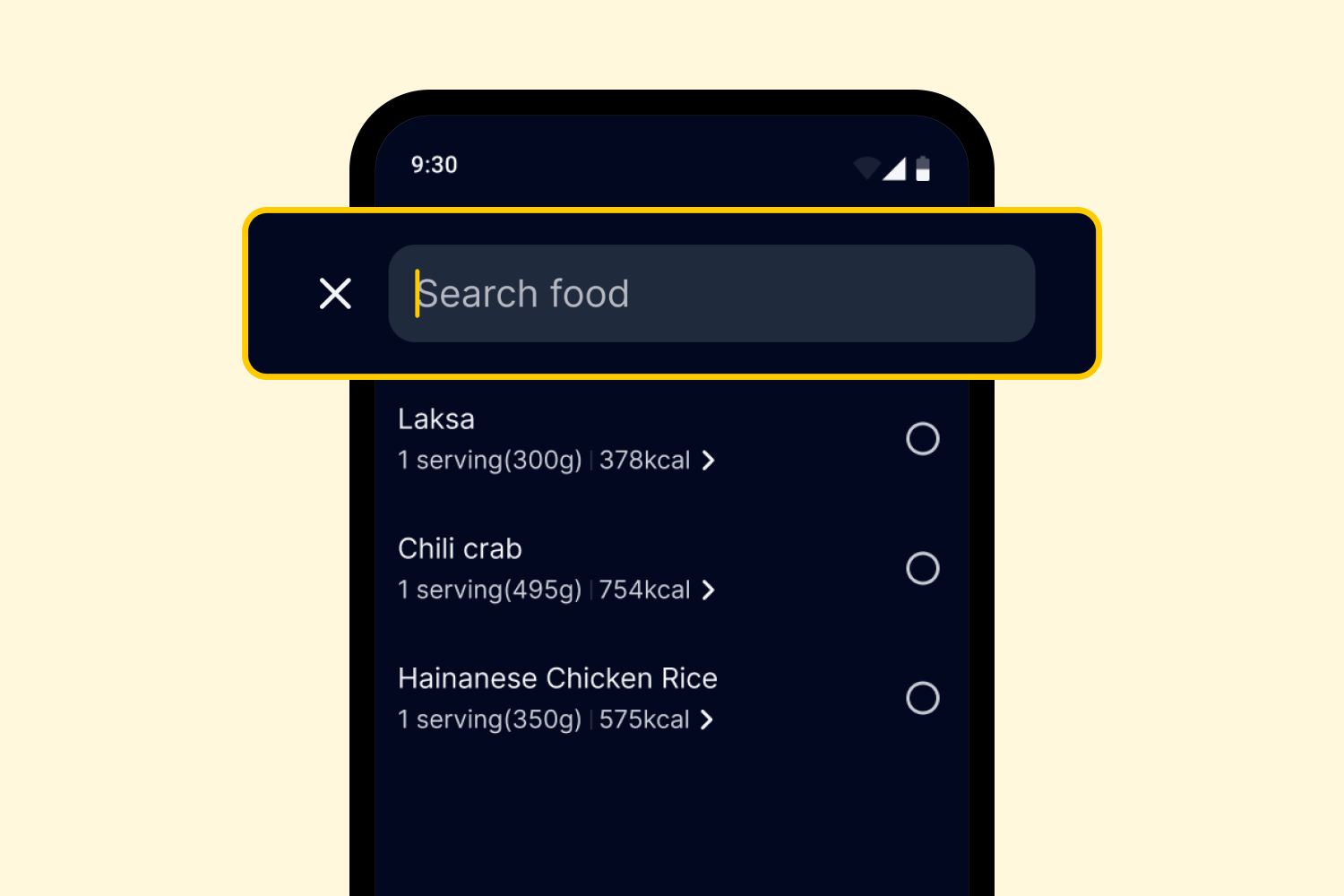
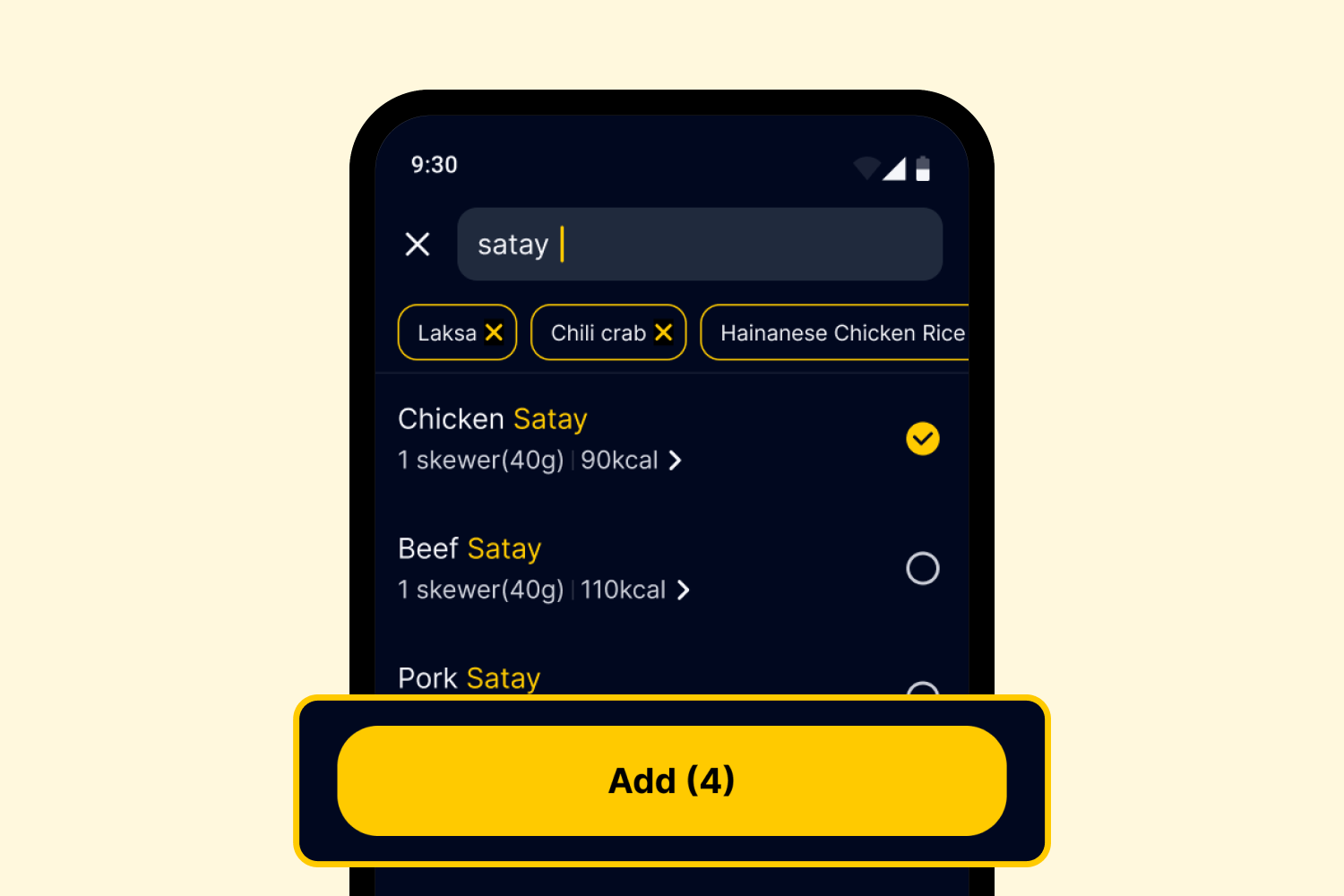
3. You can also add multiple items at once by adding your search results.
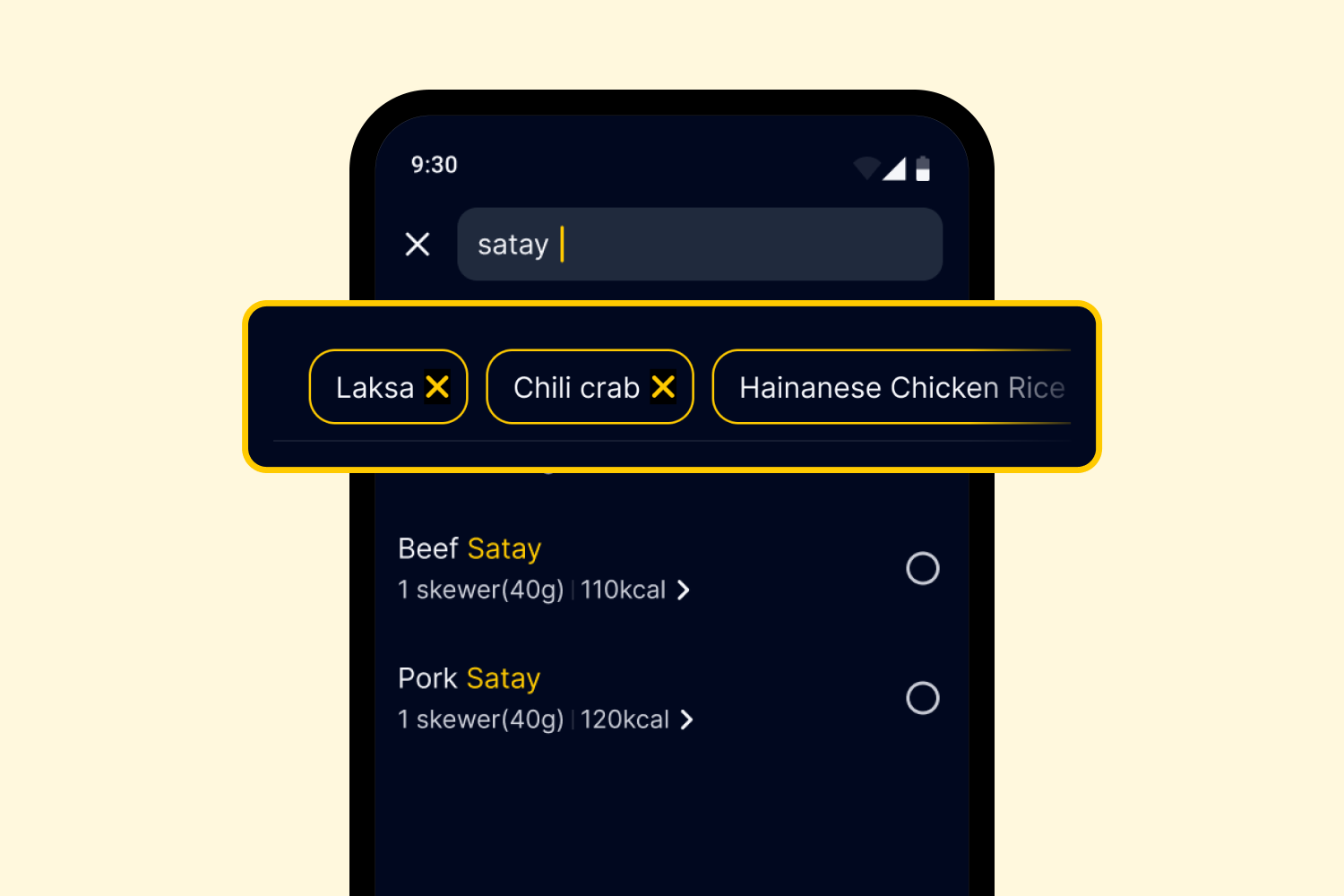
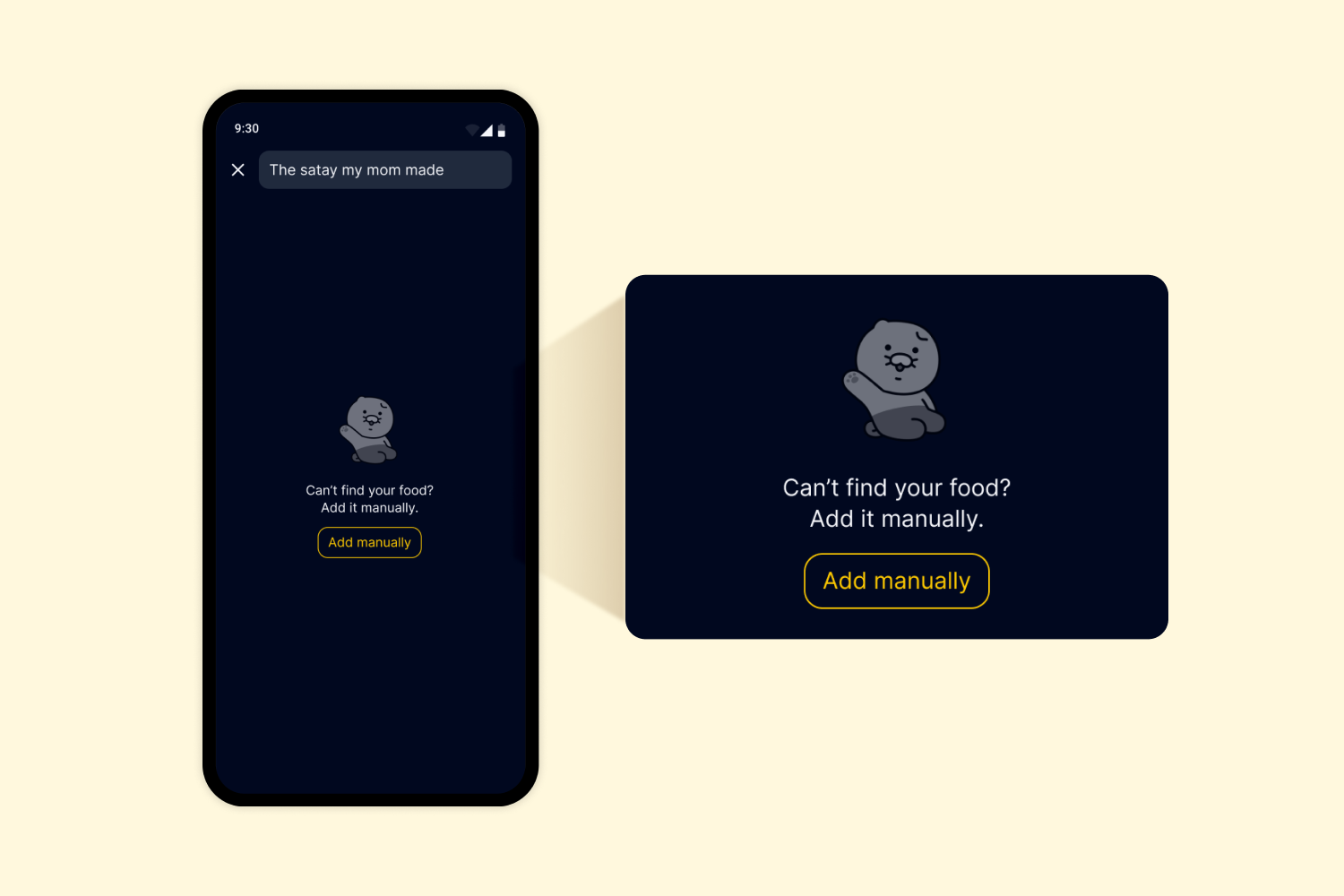
4. If you can’t find the food you’re looking for, select [Add Manually] and enter the information yourself. Your entry will be reviewed and updated in the database as soon as possible, so please enter accurate details.
5. Once you’re done, tap [Add] at the bottom to save the selected menu items.
Editing Your Meal Log
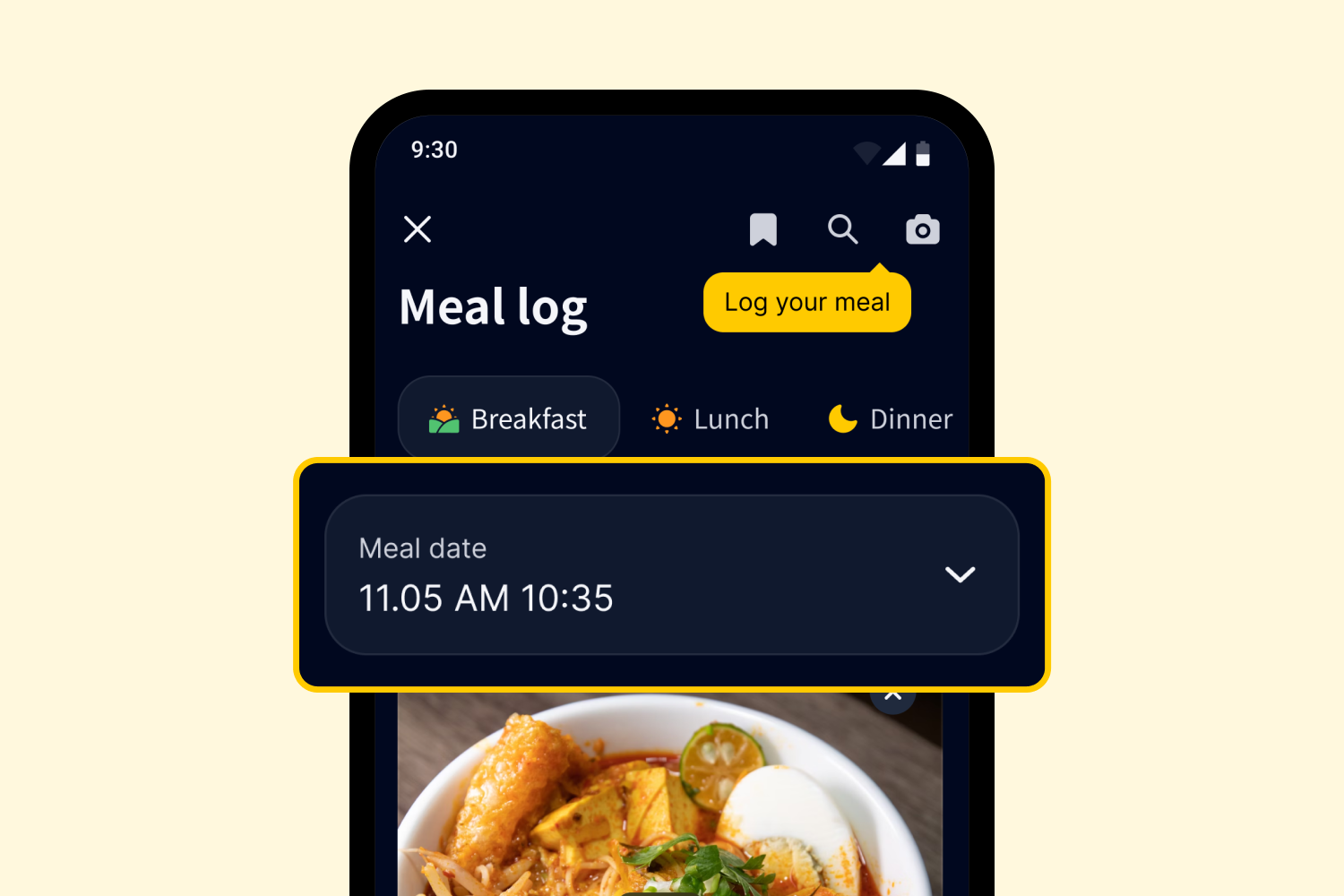
1. You can edit the date and time of the meal directly on the meal log screen.
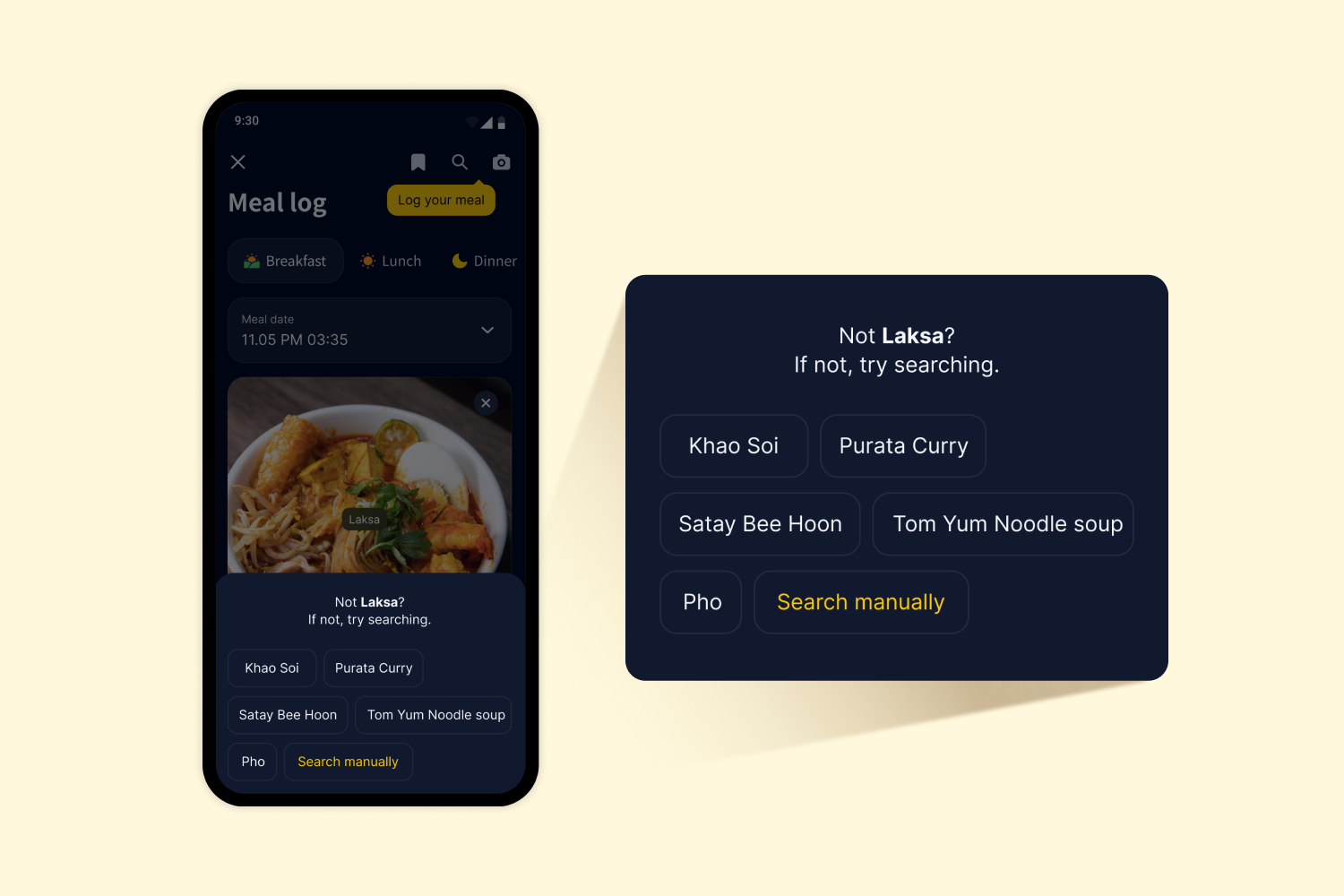
2. If you have logged the meal by FoodShot, PASTA’s Vision AI will automatically recognize the foods in the photo and label them by menu item. If the recognized items don’t match what’s actually in your photo, just tap the label to change it to the correct menu. If the right menu isn’t listed among the suggestions, select [Search Manually] to log it yourself.
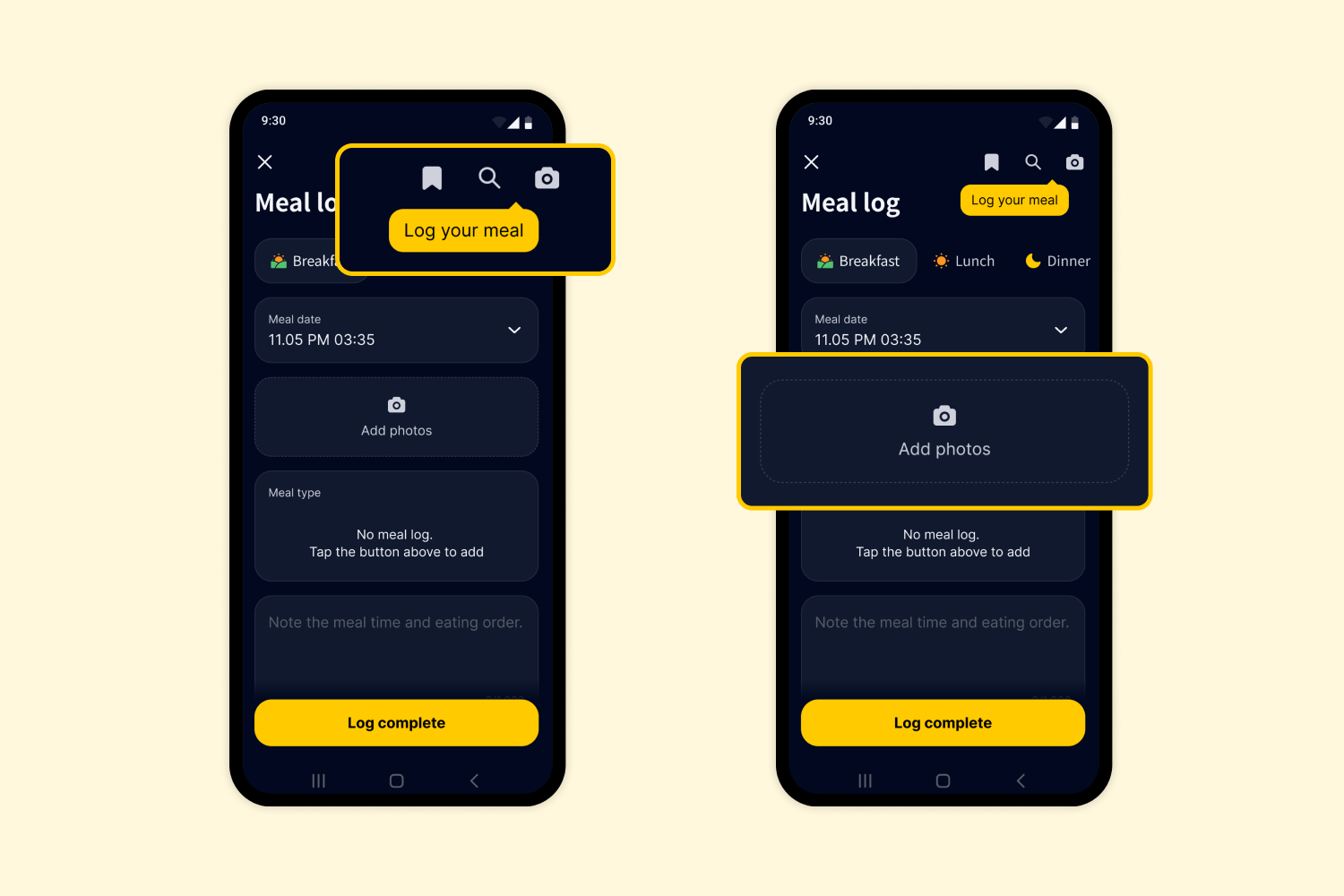
3. Need to add another dish? Just tap the Favorites, Search, or Camera icon at the top right to include more items.
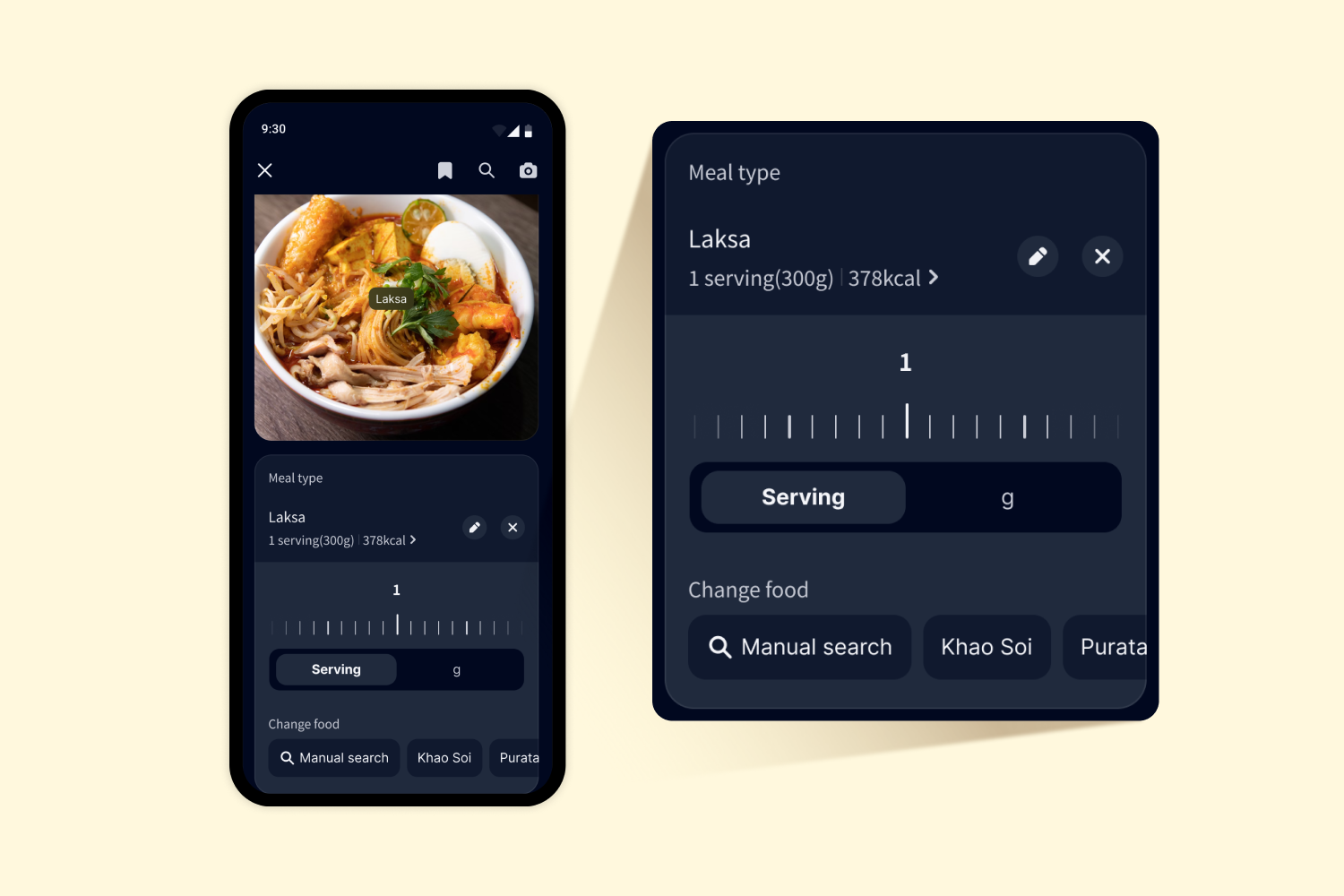
4. You can also adjust portion sizes by tapping each food item in your meal list. Add any extra notes about your meal if you like!
Viewing Saved Meal Logs
1. Once you log your meal, a meal card will appear in your Diary tab. If you’re wearing a continuous glucose monitoring sensor, you can see how your glucose levels changed after your meal!
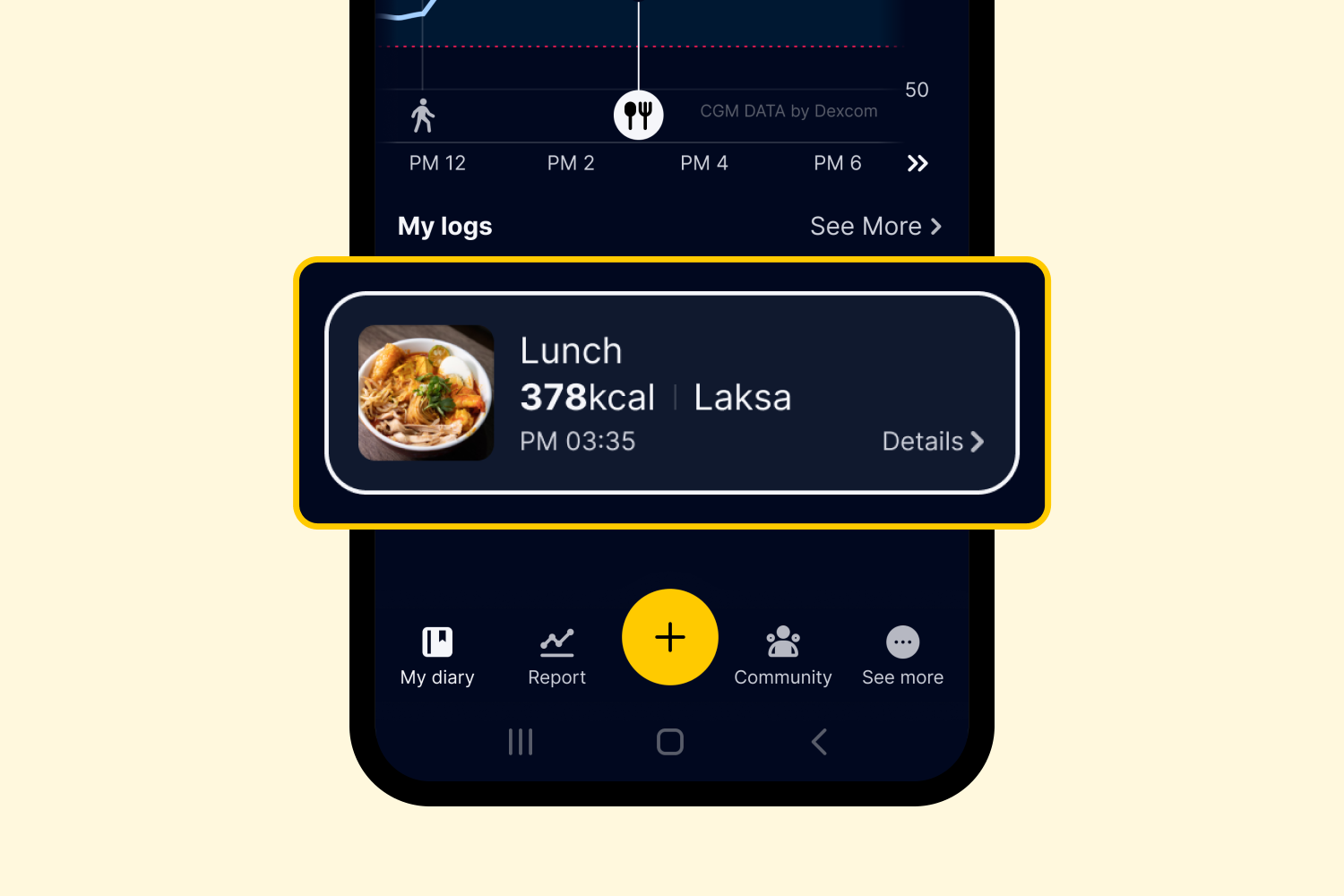
2. Tap the meal card to review, edit, or delete your log.
*If you’re wearing a continuous glucose monitoring sensor, post-meal glucose data will be available for 2 hours after each meal. The graph will be updated once the two-hour period has passed, so be sure to check back then!
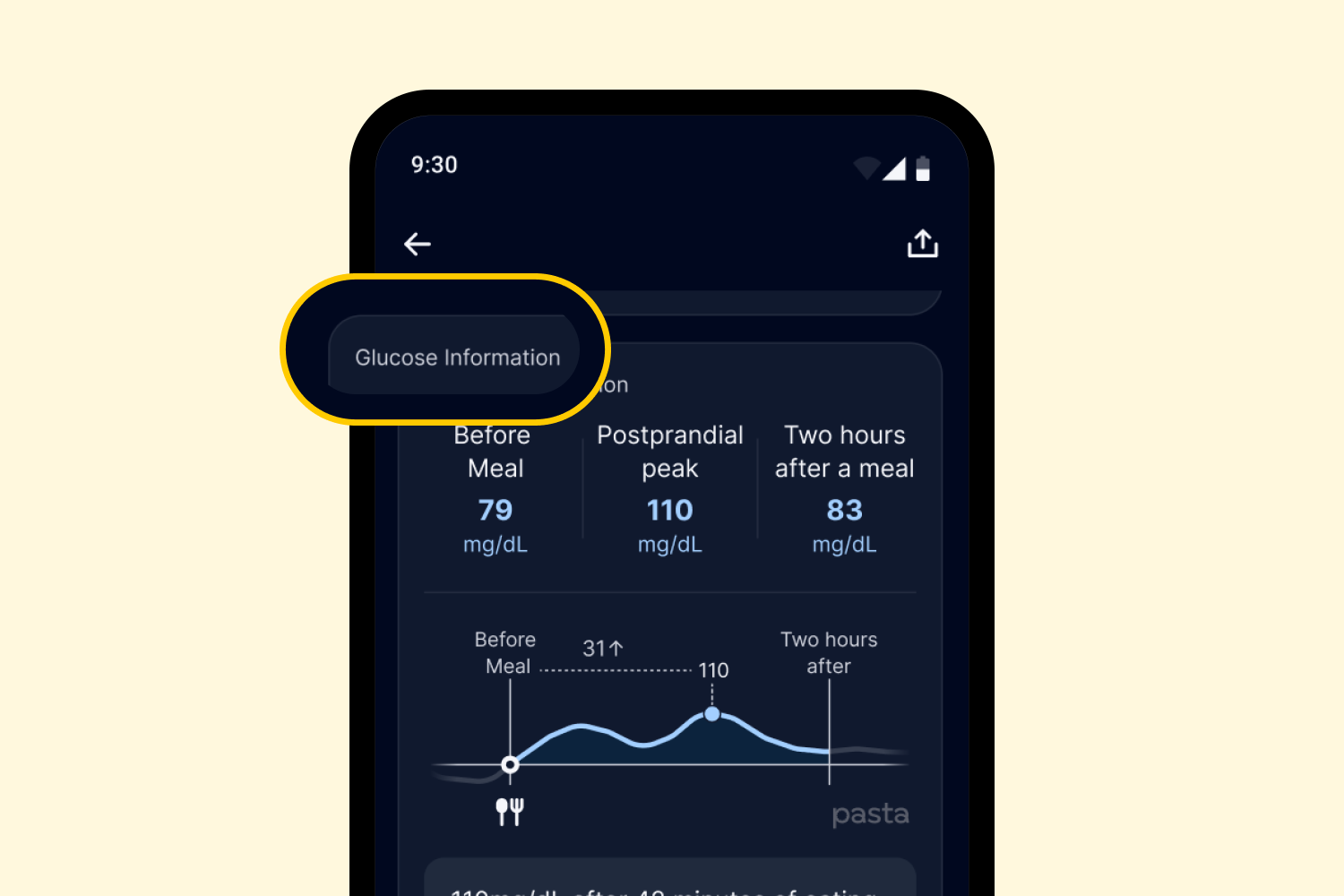
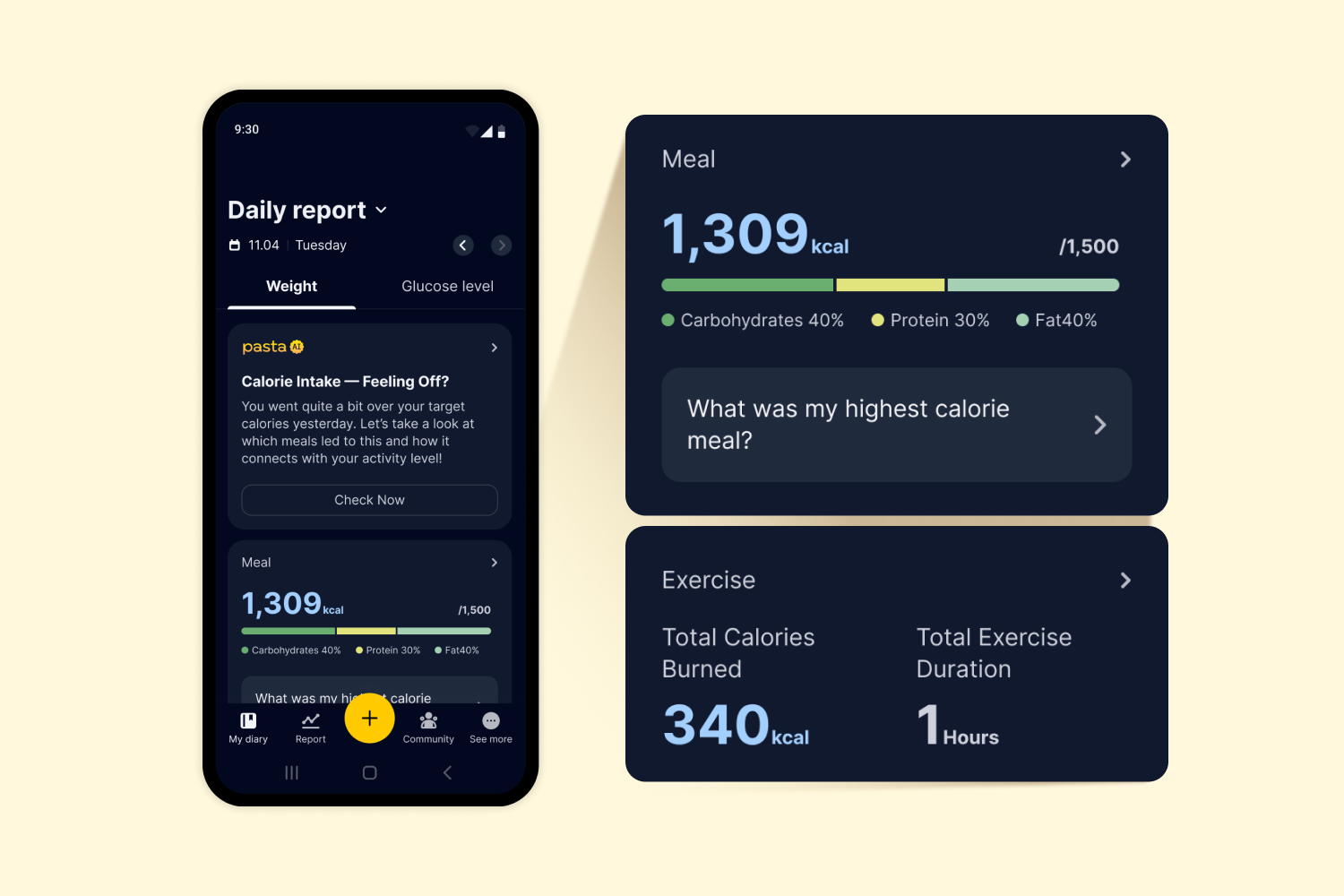
3. In the [Report] tab, you can view various in-depth, meal-related insights, such as your post-meal glucose peak and other analysis results — be sure to check them out!
That’s it!
Now you know how to log your meals in PASTA! We will keep doing our best to make it even easier for you to track, understand, and manage all your health data — effortlessly and confidently, every day.